Venue math
Minimums and overtime
Catch room minimums, locked bar packages, and overtime blocks before the schedule slips.
Upload the quote, see the hidden fees, and get the exact questions to ask before you send the deposit. VowGuard keeps the review operational, not decorative.
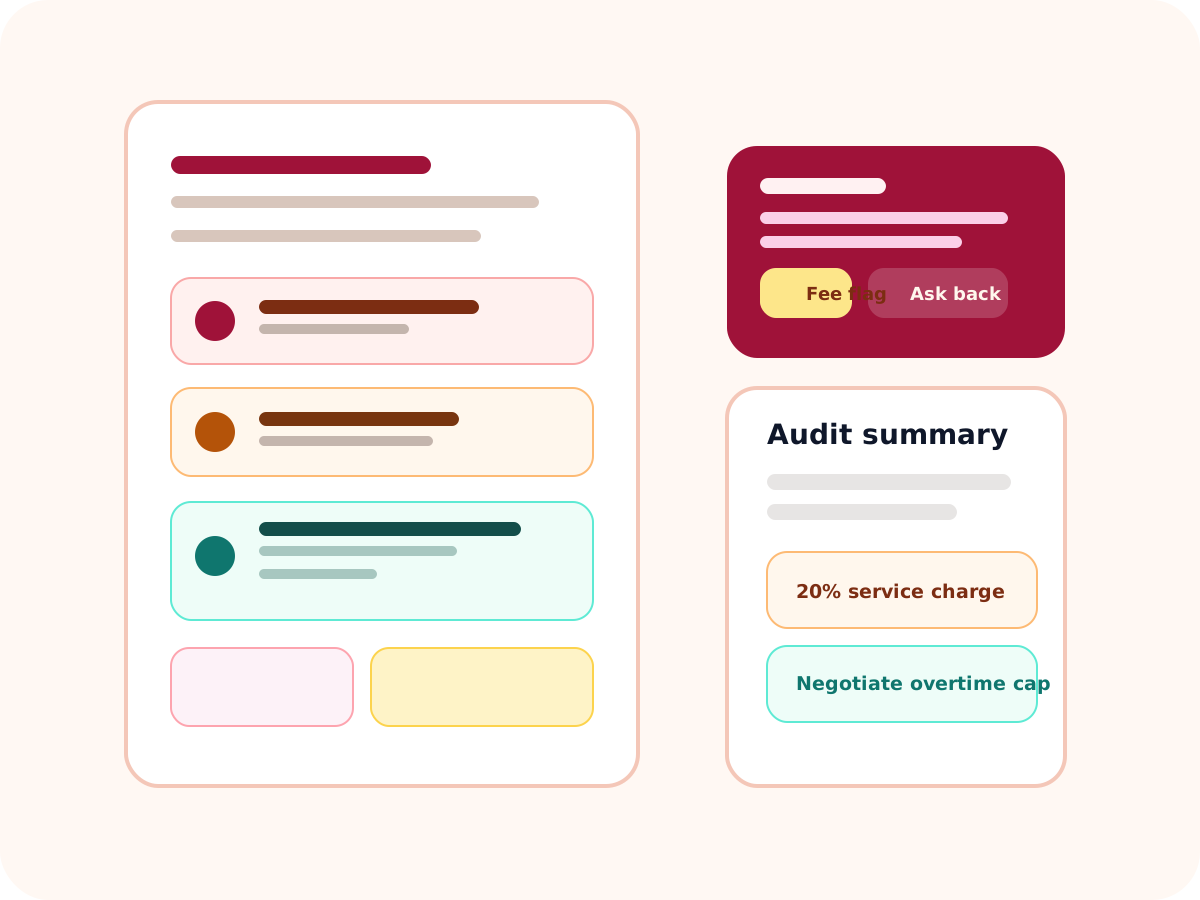
Red flag
20% service charge stacked on top of a mandatory AV fee.
Question to ask
Which fees disappear if we move the ceremony window earlier?
What it catches
This is not a checklist shell. It is a narrow audit desk for couples comparing venue and vendor terms before they sign.
Venue math
Catch room minimums, locked bar packages, and overtime blocks before the schedule slips.
Vendor traps
Spot forced vendor lists, add-on delivery charges, and clauses that quietly shift risk.
Negotiation leverage
Turn dense language into the exact questions to send back before the deposit clears.
How it works
The first value moment is the audit itself. Saved reviews and revised-contract comparisons come next so the same input can be reused without another uncapped AI loop.
1. Upload or paste the contract
Drop in a venue quote, addendum, or vendor contract and keep the language intact.
2. Run the audit
Get fee summary, clause risks, and negotiation questions tied to the text you uploaded.
3. Save the result
Return later to compare revised terms and keep the review durable in the dashboard.
Free tier
1
limited audit to get the first red flags.
Paid tier
$9
per month for saved audits and repeat checks.
Core action
Audit
the live value moment tied to signup.
Saved audit snapshot
Hidden fees
Catering minimum, room flip charge, and AV fee stacking.
Negotiation leverage
Ask for overtime caps and remove the preferred-vendor surcharge.
Pricing
The free tier gives you one limited audit. The paid plan lets you save reviews, compare revisions, and revisit the same input later.
Start free auditFree tier
One limited audit
Useful for one venue or vendor quote before you commit.
Paid plan
$9 / month
Saved audits, unlimited re-checks, and revised-contract comparisons.
Why couples use it
Before deposit
Scan the quote for fees that look small until the final math lands.
After addendum
Compare the revision against the original audit without starting from zero.
When asking for help
Bring a plain-English summary that makes the negotiation clearer than a Reddit thread.
FAQ
Start with the contract or quote that controls the biggest cost, then compare addenda or revisions later.
No. It gives a concrete review path, hidden-fee summary, and negotiation questions so you can decide faster.
Yes. Saved audits live in the dashboard so the same text can be reused without running a fresh uncapped AI pass.
A pricing click, subscription intent, or checkout click before the heavier payment flow is added.